
Oct 8, 2026 · 8 min read
How to View Instagram Stories Anonymously
If you want to check a public Instagram Story without your username appearing in its viewer list, the method matters. The safest place to start is a browser-based viewer that doesn’t ask…

Scarlett ela
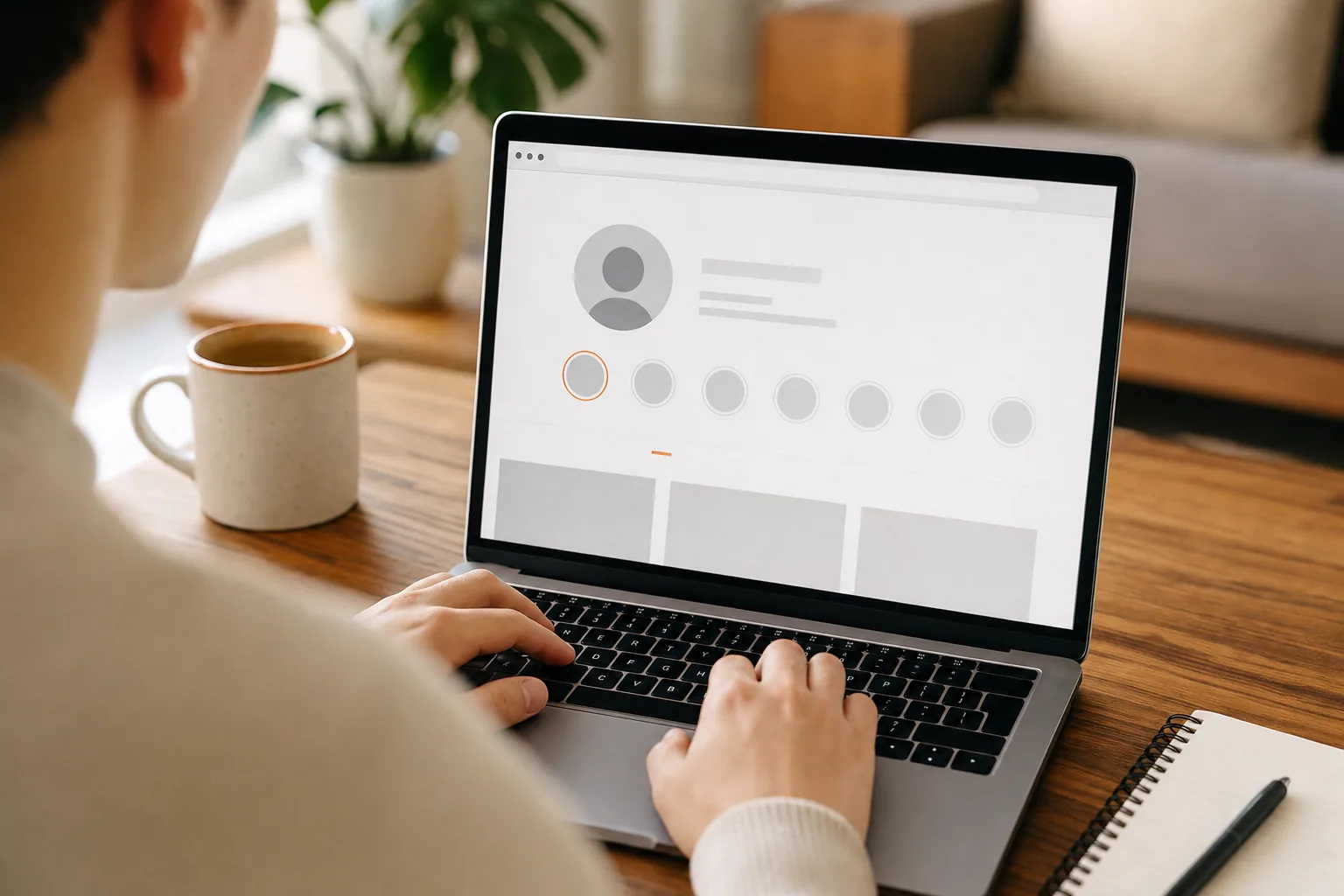
If you want to check a public Instagram Story without your username appearing in its viewer list, the method matters. The safest place to start is a browser-based viewer that doesn’t ask you to sign in. Here’s how to view Instagram Stories anonymously, what the workarounds can and can’t do, and how to protect your account and data.
We analyzed 32 comments and questions from YouTube, Quora and Reddit about anonymous Instagram story viewing and found that 19% mentioned being shown in the viewer list.
Step 1: View Public Stories with a Browser-Based Tool
A browser-based viewer can fetch active Stories from a public profile without using your Instagram account. Since you don’t sign in, your Instagram username isn’t attached to that view. This is usually the simplest option when you want to browse public content without installing an app.
To use PVSTORY.IO, open the site in a browser and enter the public profile’s username. Select the Story tab to view active Stories. The service also supports public profiles’ highlights, posts, and reels, and offers watermark-free downloads. It requires no Instagram account, app, or browser extension.
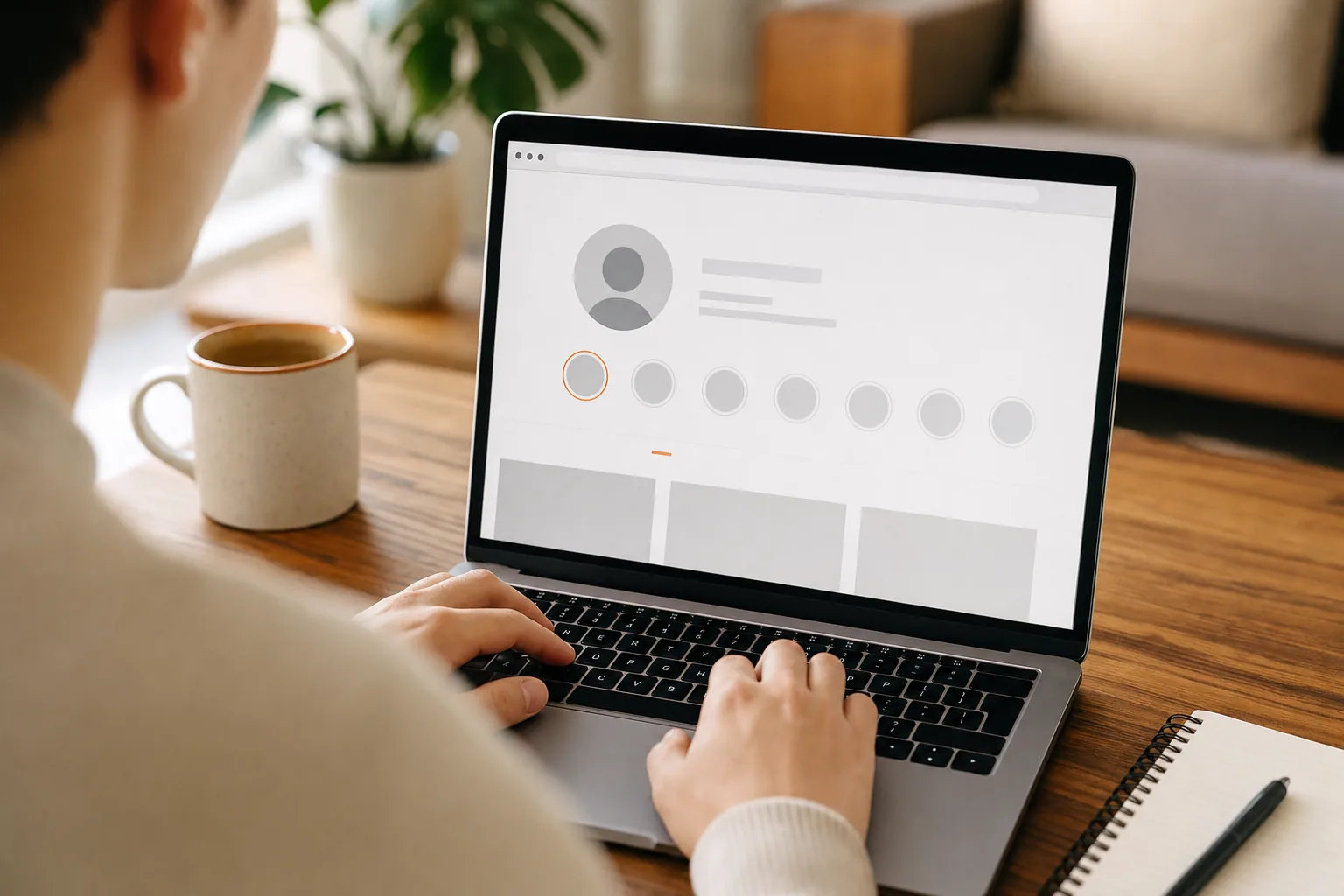
Keep the boundary clear: a public-profile viewer can’t show Stories from a private account you’re not approved to follow. A site that claims it can bypass that restriction is asking you to trust a claim that conflicts with how private access works. Don’t enter your Instagram password to test it.
Also, anonymous to the Story owner doesn’t mean unseen by every service involved. A browser site may process your request and connection details. Use a site you trust, stick to public content, and avoid downloading anything you didn’t ask for.
Step 2: Use a Separate Instagram Account Carefully
A second account keeps your main username out of the Story’s viewer list, but the second account itself is still visible. This method may suit regular browsing when you’re comfortable viewing as another account, rather than appearing as fully anonymous.
First, create or use a separate account that doesn’t display your name or other details you want to keep private. Then sign in to that account and open the public profile’s Story. The account you use will appear in the creator’s viewer list. For a private profile, that account must be approved as a follower before it can see the Story.
Think carefully before following a private account from a second profile. A follow request can reveal the account to its owner, and approval is their choice. Don’t use a second account to get around someone’s stated privacy boundary.
Instagram’s account settings and recommendations may connect accounts through details you share or actions you take. A separate username doesn’t guarantee that the account can’t be associated with you. Keep the profile honest, avoid spam-like behavior, and don’t assume that using a VPN or another network makes the account invisible.
That is a different workflow from a no-login viewer such as PVSTORY.IO: when you watch while signed in to a second Instagram account, that account’s name can still appear to the Story owner.
Use this method only when you’re fine with the second account being seen. If keeping any account name off the viewer list is the goal, use a no-login option for public content instead.
Step 3: Try Mobile Preview Methods, With Caution
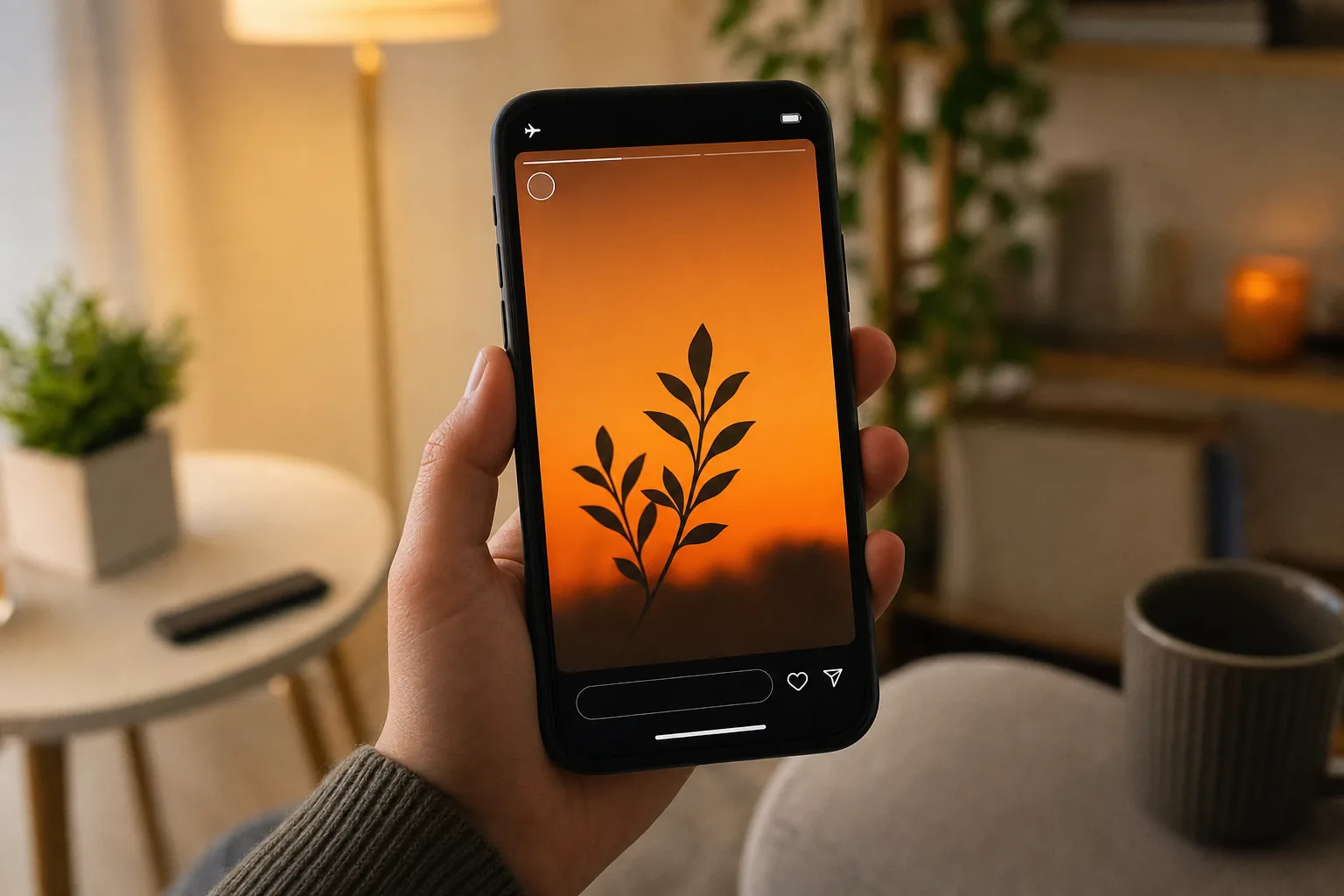
Mobile tricks such as a partial swipe or airplane mode may seem easy, but neither is dependable. Treat them as experiments, not as a privacy guarantee. A small mistake can open the Story fully and register a view from your account.
Partial-swipe preview
In the Instagram app, a partial swipe from a neighboring Story may show a narrow preview of the next one without opening it fully. If you try this, move slowly and stop before the target Story fills the screen. The preview may show only a frame, and it’s easy to swipe too far. Don’t use it if a visible view would cause a problem.
Airplane mode
The airplane-mode trick relies on Stories loading before the phone disconnects. It may not work consistently. If the Story hasn’t loaded, there may be nothing to view. If the app saves activity and syncs it once you reconnect, your view may still show up later.
If you test this on your own account, load the feed while online, switch on airplane mode, and only then try to view a preloaded Story. Close the app fully before reconnecting. Even with those steps, don’t count on the method to hide your view. App behavior can change, and a cached preview doesn’t promise that activity won’t sync.
On iPhone or Android, the same caution applies: don’t assume a setting or swipe gesture prevents Instagram from recording activity. On a desktop browser, airplane mode and phone gestures aren’t relevant. A browser-based viewer is a more direct route for public Stories when you don’t want to sign in.
Step 4: Check Access, Privacy, and Safety Before You View
Before using any method, check whether the profile is public and decide what “anonymous” means for your situation. It usually means your Instagram username won’t appear in the Story owner’s viewer list. It doesn’t mean Instagram, your network, or a third-party website can’t process activity linked to your device.
Confirm the profile is public
Public Stories can be viewed through a browser-based service while they’re available. Private Stories stay limited to approved followers. A site that promises access to a private account without approval is a warning sign, not a shortcut. Don’t share login details or install unknown software to test its claim.
Stories are temporary, while Highlights let profile owners keep selected Stories visible on their profile. PVSTORY.IO supports public Highlights as well as active Stories. If you want to keep a copy of a public Highlight, our guide to downloading Instagram Highlights safely walks through each step.
Protect your account and device
- Never enter your Instagram password into an anonymous-viewing site.
- Don’t install an app or browser extension just to view a public Story.
- Close pop-ups instead of clicking unclear download buttons.
- Use a VPN only to protect your connection or mask your IP from a website. It won’t hide your username if you watch while logged in.
Be cautious with claims about view counts, too. A signed-in view can appear under the account that watched. A no-login service avoids attaching your Instagram username to the view, but don’t assume that this means the creator’s analytics or the third-party service records no activity at all.
Use downloaded media with care. A public post isn’t automatically yours to repost or share elsewhere. Respect the creator’s rights and privacy, and ask permission when you plan to reuse their work. For personal browsing, view only what’s publicly available and stop if the content or account owner sets a boundary.
Frequently Asked Questions
Can someone see that I viewed their Instagram Story anonymously?
No, a no-login browser viewer doesn’t attach your Instagram username to the Story view. The site you use may still process connection details, so “anonymous” is limited to what the Story owner can see. If you watch inside Instagram while signed in, the account you’re using may appear in the viewer list.
Can I view a private Instagram Story without following the account?
No, you can’t legitimately access a private account’s Story unless you’re an approved follower. A separate account still needs approval. Treat any website or app that claims to bypass this limit as a security risk, especially if it asks for your password or asks you to install software.
Does airplane mode hide my Story view?
No, airplane mode isn’t a reliable way to hide a view. Stories may fail to preload, and app activity may sync after your phone reconnects. Closing the app before reconnecting may reduce one risk, but it doesn’t make the method dependable. If you can’t risk appearing in the viewer list, don’t open the Story while signed in.
Can I view Instagram Stories anonymously on my phone?
Yes, you can open a browser-based viewer on a phone without installing an app or signing in. Enter a public profile’s username, then select its available Stories. The service can’t show private content you aren’t approved to see. Mobile swipe and airplane-mode tricks are less dependable, so don’t rely on them for privacy.
Can I view Instagram Highlights anonymously?
Yes, public Highlights can be viewed through a browser-based viewer that supports them. Highlights are saved Story collections on a profile, while active Stories are temporary. Access still depends on the profile’s privacy settings. A viewer can’t legitimately retrieve Highlights from a private account you’re not approved to follow.
Conclusion
For public Stories, use a browser-based viewer that doesn’t ask for your Instagram login, and treat mobile tricks as unreliable. Enter a public username on PVSTORY.IO to check the available content, then keep private-profile limits and download permissions in mind.
Try the anonymous story viewer
Search any public username to watch stories, highlights and reels — no account, no app, no trace.
Open the viewerMore articles
- How to Save Instagram Reels to Your Camera Roll Found a Reel you want to keep? How to save Instagram Reels to your camera roll depends on who posted it and whether downloads are allowed. Start with Instagram’s own download button,…
- How an Online Instagram Highlight Downloader Works Want to save a public Instagram Highlight without signing in or installing an app? An online Instagram highlight downloader can load visible media in your browser, then let you save supported photos…
- How to Download Instagram Highlights Safely Found a Highlight you want to keep? The right way to download Instagram Highlights depends on whether they’re yours or belong to a public profile. Start with Instagram’s archive for your own…