PVSTORY Blog

Instagram privacy & story viewer guides

Guides on viewing Instagram stories anonymously, saving reels and photos, and tracking followers.

5 articles Updated Oct 15, 2026

Latest

Oct 14, 2026 13 min read

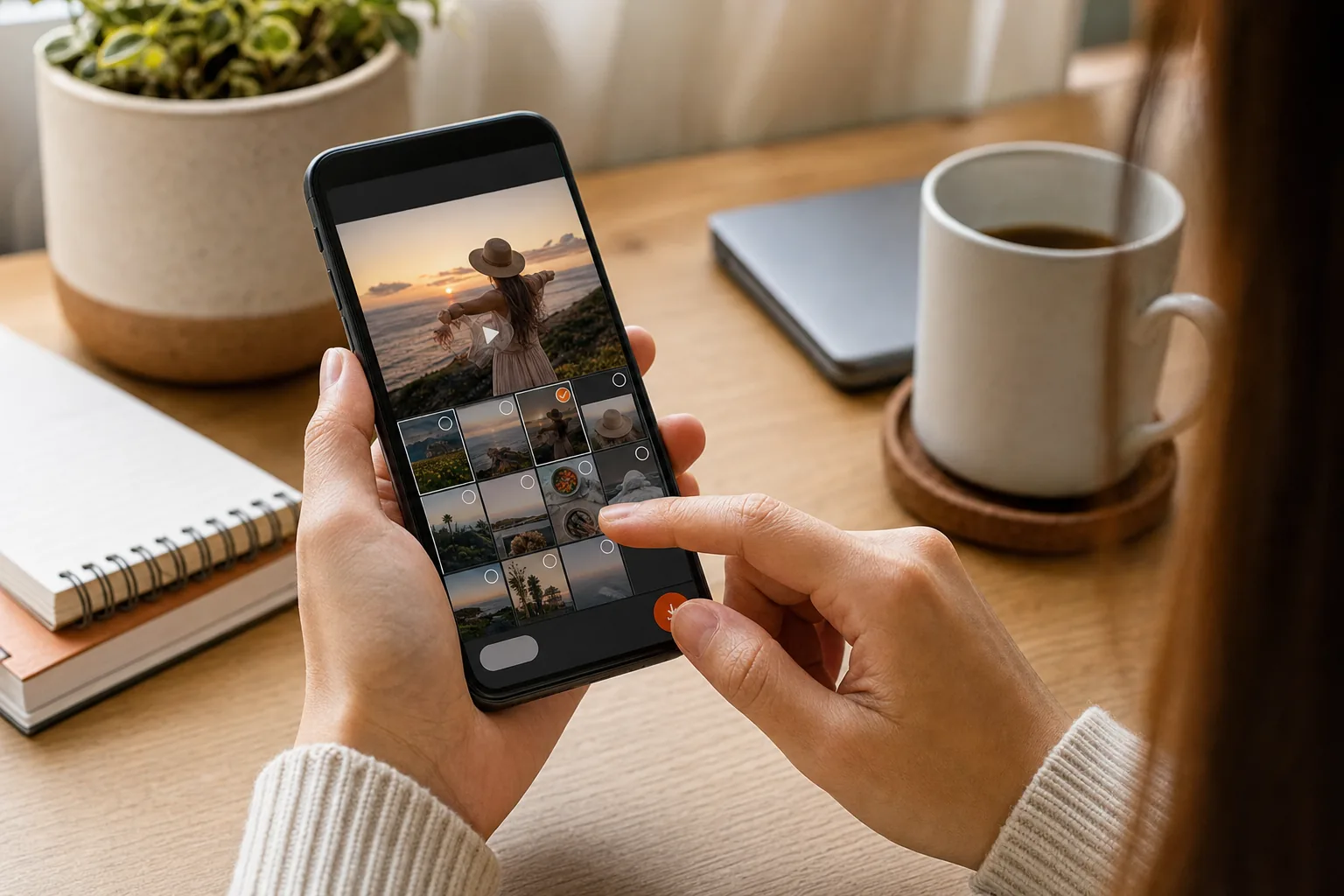
How to Save Instagram Reels to Your Camera Roll

Found a Reel you want to keep? How to save Instagram Reels to your camera roll depends on who posted it and whether downloads are allowed. Start with Instagram’s own download button,…
More articles

Oct 9, 2026 8 min read

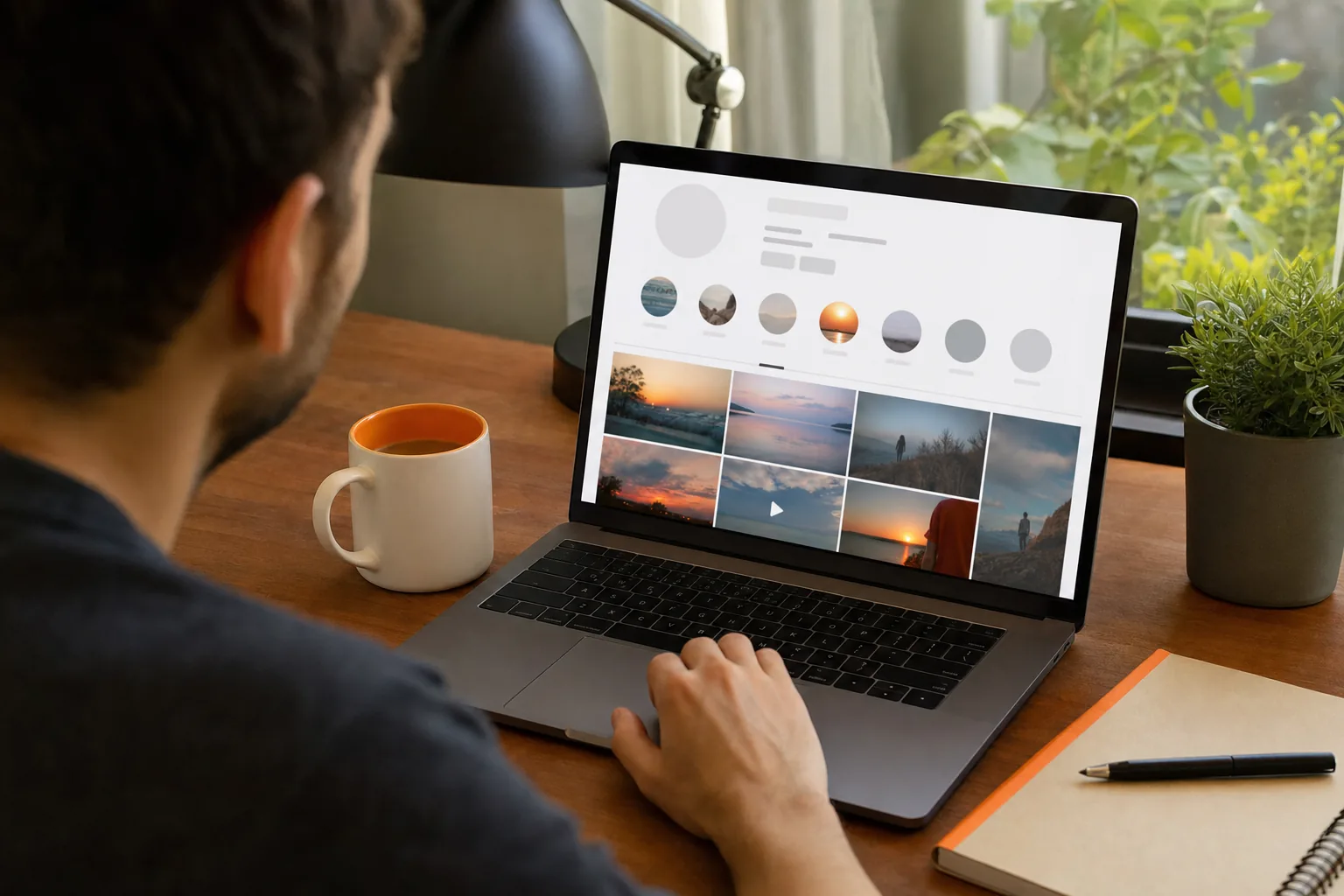
How an Online Instagram Highlight Downloader Works

Want to save a public Instagram Highlight without signing in or installing an app? An online Instagram highlight downloader can load visible media in your browser, then let you save supported photos…

Oct 8, 2026 13 min read

How to Download Instagram Highlights Safely

Found a Highlight you want to keep? The right way to download Instagram Highlights depends on whether they’re yours or belong to a public profile. Start with Instagram’s archive for your own…

Oct 8, 2026 12 min read

Does Instagram Notify When You Screenshot a Story?

Does Instagram notify when you screenshot a story? No, not for a regular Story. The creator may see that you viewed it, but Instagram doesn’t show them who took a screenshot. The…

Oct 8, 2026 8 min read

How to View Instagram Stories Anonymously

If you want to check a public Instagram Story without your username appearing in its viewer list, the method matters. The safest place to start is a browser-based viewer that doesn’t ask…

Try the anonymous story viewer

Search any public username to watch stories, highlights and reels — no account, no app, no trace.

Open the viewer

Frequently asked questions

Enter any public Instagram username in the search bar on PVSTORY.IO and open the Story tab. Stories play straight in your browser — no Instagram account, no app and no browser extension — and your visit is never added to the publisher's viewer list.