
Oct 8, 2026 · 12 min read
Does Instagram Notify When You Screenshot a Story?
Does Instagram notify when you screenshot a story? No, not for a regular Story. The creator may see that you viewed it, but Instagram doesn’t show them who took a screenshot. The…

Scarlett ela
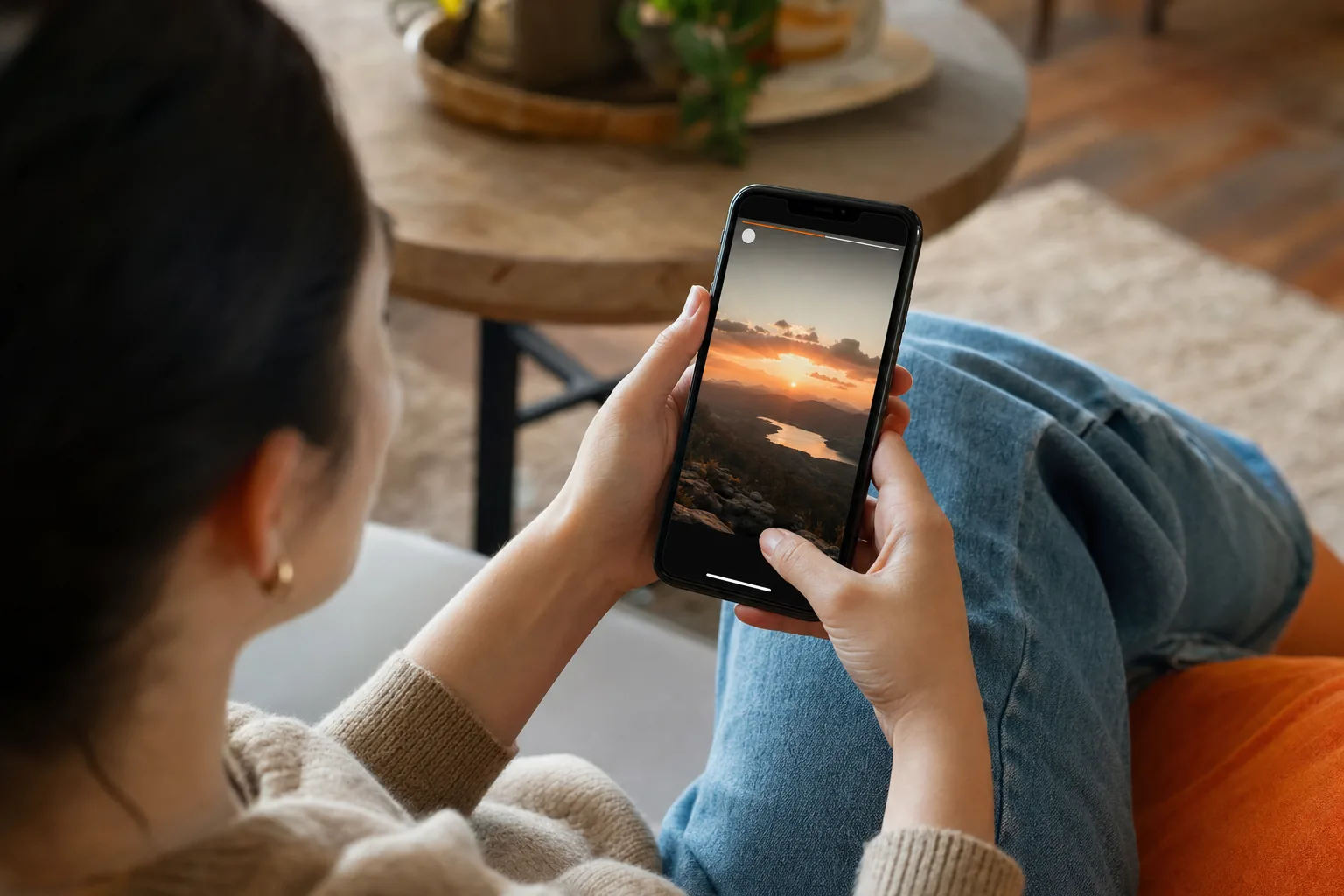
Does Instagram notify when you screenshot a story? No, not for a regular Story. The creator may see that you viewed it, but Instagram doesn’t show them who took a screenshot. The main exception is temporary media in some Direct Message features, where Instagram may alert the sender or block the capture.
We analyzed 36 comments and questions from YouTube, Quora and Reddit about screenshot notification policies and found that 47% asked whether story screenshots trigger notifications.
The Short Answer: Story Screenshots Don’t Trigger Notifications
Screenshotting a regular Instagram Story doesn’t send an alert to the person who posted it. They won’t see a screenshot icon beside your name, a capture count, or a notice in their activity feed. This applies to Stories from public accounts and accounts you’re approved to follow.
The key difference is between viewing a Story and capturing it. When you view a Story while logged into Instagram, the owner may see your account in the viewer list. Taking a screenshot doesn’t add a second signal that says you saved the image.
So the direct answer to whether Instagram sends an alert for a Story screenshot is no. Screen recording a regular Story follows the same rule. The creator may see your view, but the capture itself isn’t reported to them.
The old rumor has a real source. Instagram briefly tested Story screenshot alerts in 2018, and some people saw an indicator during that test. It didn’t become the standard Story feature. That limited test helps explain why old posts still say creators can see screenshots.
There’s one useful distinction: Instagram’s rules can vary by content type. A Story is different from temporary media sent in a private chat. We’ll cover that exception below. For the ordinary Story you see in someone’s profile, there’s no screenshot notification.
What Story Owners Can See About Viewers
When you watch a Story in the Instagram app while logged in, the owner can see your username in the viewer list. That’s a record of the view, not a record of what you did next. Instagram doesn’t show the owner that you took a screenshot or started a screen recording.
This matters if your goal is to browse without being noticed. A screenshot won’t hide a view that Instagram has already recorded. If you open the Story in the app, the owner may see that you watched it even though they can’t see whether you saved it.
Story owners may also see direct interactions, such as a reply or a reaction. Those are separate actions. A screenshot alone doesn’t send a reply, change the viewer list, or tell the creator that you kept a copy.
Account privacy changes who can access a Story. It doesn’t add screenshot tracking. A private account limits its audience to approved followers; a public account can be viewed by a wider audience. In either case, seeing a Story and capturing it remain different from interacting with it.
Can the owner tell how many screenshots were taken?
Instagram doesn’t provide a screenshot count for ordinary Stories. The owner can’t open a report that names people who captured the frame or shows how many times it was saved. Story views and other engagement details don’t identify screenshot takers.
There’s a usable limit to what any app can report. If someone photographs a screen with a separate camera, Instagram can’t detect that action through the app. But you don’t need an external camera for the ordinary screenshot rule: Instagram doesn’t send a Story screenshot alert in the first place.
For a viewer, that means the visible trace is the view itself. For a creator, it means the viewer list isn’t a complete record of how people keep or share content.
How Screenshots Work for Posts, Reels, Highlights, and Live Content
Regular Instagram content generally follows the same quiet screenshot rule as Stories. Capturing a feed post, Reel, profile page, or Highlight doesn’t normally send the owner an alert. A standard Live capture also doesn’t have a regular screenshot notification.
Here’s the quick breakdown:
- Feed posts and carousels: A screenshot doesn’t notify the account that posted them.
- Reels: Capturing a Reel doesn’t send a screenshot alert.
- Profiles and profile photos: Instagram doesn’t show the owner who took a screenshot.
- Highlights: A Highlight screenshot doesn’t create a notification.
- Live content: A standard screenshot or recording isn’t reported to the host as a capture.
Some creators can view engagement metrics, depending on the account and content. Those metrics can describe activity, but they don’t reveal a list of people who took screenshots. Don’t mistake a view count, save count, or other engagement signal for a capture alert.
Regular Direct Messages are different from disappearing media too. A screenshot of an ordinary chat message doesn’t normally notify the other person. The message type matters more than whether the capture is a screenshot or a recording.
Quiet capture doesn’t grant permission to repost someone else’s photo or video. A screenshot may help you remember a recipe, keep a reference, or document a concern. Sharing it publicly or using it in your own work raises a separate question about consent and rights. When in doubt, ask before reposting.
In short, ordinary posts and profile content don’t have a special screenshot alert. The rule changes when a message is designed to disappear, which is why it’s worth checking the format before capturing a private chat.
The Important Exception: Disappearing Photos and Videos in DMs
Instagram may notify the sender when you capture temporary photos or videos sent in a Direct Message. This can apply to media sent with options such as View Once or Allow Replay, as well as content in Vanish Mode. Depending on the feature and app version, Instagram may instead block a screenshot or recording.
That’s why the simple rule is: don’t assume temporary DM media is capture-silent. Instagram treats a disappearing photo differently from a regular Story or a lasting chat message. If the message is meant to be viewed briefly, the sender may get a capture signal.
Regular chat messages don’t follow that same rule. A screenshot of text in an ordinary conversation, or of media shared as a lasting message, generally doesn’t trigger the disappearing-media alert. If you’re unsure which kind of media you received, assume the sender may be told if you try to capture it.
Screenshot alerts and screenshot blocking are not the same thing. An alert tells the sender a capture was detected. Blocking tries to stop the device from saving the screen. Instagram may use either response for temporary DM media, so a failed screenshot doesn’t prove the sender received no signal.
Screen recording can be treated like a screenshot in these private-message features. Don’t rely on a workaround such as switching network settings or using a different capture method. App behavior can change, and trying to get around a capture limit doesn’t make the message less private.
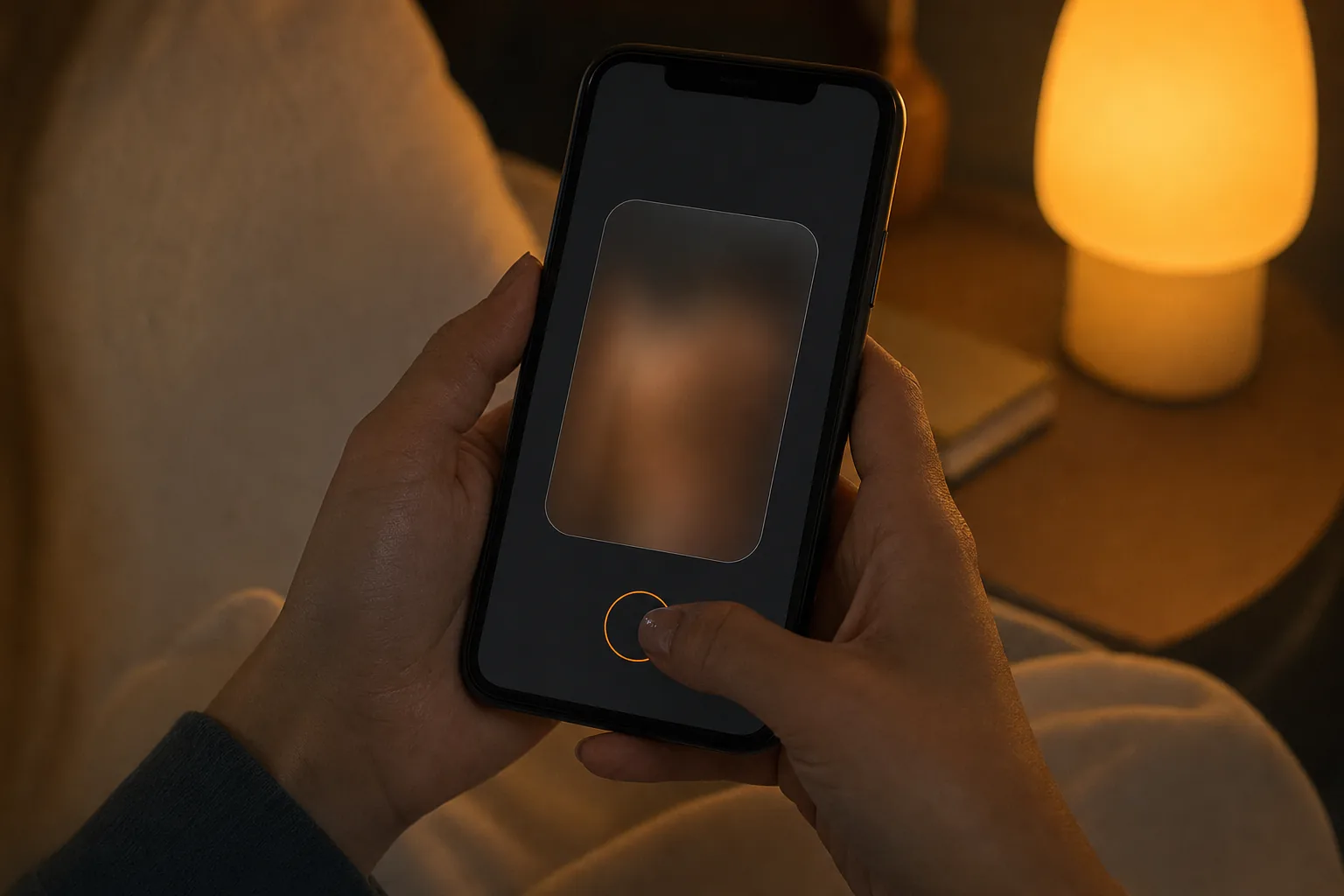
If you’re sending sensitive media, choose a format with the privacy behavior you want and remember that no screen-based feature can stop someone from photographing a display with another device. If you receive temporary media, respect the sender’s choice about how long it should remain available.
Screen Recordings, Close Friends, and Other Common Questions
A screen recording of a regular Story doesn’t normally notify its owner. The same is true for ordinary posts and Reels. In temporary DM features, a recording may trigger the same kind of alert as a screenshot, or the app may block it.
Close Friends changes who can see a Story, not whether screenshots are detected. The green Close Friends marker means the Story has a smaller audience. It doesn’t create a special capture alert. A viewer may still save the screen without Instagram telling the owner.
That’s a useful rule for both viewers and creators. If you’re watching a Close Friends Story, don’t assume the smaller audience makes a screenshot visible. If you’re posting to that group, treat the content as something a viewer could keep or show to someone else.
Can third-party apps tell who screenshotted a Story?
Be wary of any app that claims it can identify people who screenshotted an ordinary Story. Instagram doesn’t give Story owners a screenshot-taker list, so a third-party service can’t rely on that standard Instagram feature to show one. Be especially careful with services that ask for your Instagram password or request account access.
PVSTORY.IO is a browser-based option for viewing public Stories, Highlights, posts, and Reels without logging in. It doesn’t require an app or browser extension. It works with public profiles only and doesn’t let you access private accounts or bypass their settings.
When you use Instagram itself, a view may appear under your account name. With a browser-based public-content viewer, you don’t sign in to Instagram, so your Instagram account isn’t used to view the Story. Our guide to viewing Instagram Stories anonymously explains that distinction and the public-profile limit.
Could Instagram add Story screenshot alerts?
Instagram could change its features in the future, but the old 2018 test isn’t proof that alerts are active now. Check Instagram’s in-app notices or current help information if you see a new alert behavior. Don’t treat a social post or a screenshot of a rumored feature as confirmation that the rule has changed.
Creators who want to limit exposure should focus on the audience controls they have. Share sensitive material only with people you trust, and consider adding a watermark to work that may be saved. Neither measure prevents every copy, but each can help set expectations or keep attribution attached.
For viewers, the most reliable habit is simple: separate public Story capture from temporary DM capture. The first doesn’t normally alert the creator. The second may.
What to Know Before Viewing Stories Anonymously
Screenshot privacy and viewing privacy are separate. A screenshot of a regular Story doesn’t alert its owner, but opening that Story in the Instagram app while logged in may put your username on the viewer list. If you want to avoid appearing there, focus on how you view the Story, not on whether you capture it.
There isn’t a built-in anonymous-view setting for a logged-in Instagram account. Logging out also doesn’t make private Stories available. Private profiles are limited to approved followers, and a legitimate viewer can’t make that content public on your behalf.
PVSTORY.IO lets you search public profiles in a browser to view Stories and other public content without an Instagram login, app, or browser extension. It also supports watermark-free media downloads. Those features apply to public content; they don’t grant access to private accounts.
Before using any service that claims to make viewing anonymous, check what it asks you to provide. A browser tool that doesn’t require your Instagram password is different from a service asking you to hand over account credentials or approve an OAuth grant. Don’t grant account access unless you understand what the request allows.
Also keep the legal and ethical questions separate from the notification question. A lack of an alert doesn’t mean you have permission to repost, sell, edit, or present someone else’s work as your own. If you want to share a creator’s content, ask first and give clear credit when appropriate.
If you’re a creator, assume that anything you post can be saved outside Instagram. Audience limits can reduce who sees a Story, and watermarks can help preserve attribution. Neither turns a screen into a copy-proof space. Use the privacy setting that fits the audience, then share only what you’re comfortable having saved.
To browse public Stories without signing into Instagram, you can start at PVSTORY.IO’s public Story viewer. It’s a browser-based option for public profiles, not a way to view private content or conceal a view made inside your Instagram account.
FAQ
Can someone see if I screenshot their Instagram Story?
No, Instagram doesn’t notify someone when you screenshot a regular Story. The owner may see that your account viewed the Story if you opened it while logged in, but the viewer list doesn’t say you captured the screen. This rule also applies to a standard screen recording of a Story.
Does Instagram notify someone if I screen record a Story?
No, a screen recording of a regular Story doesn’t normally send an alert to its creator. The creator may see your view, just as they would if you watched without recording. Temporary photos or videos in certain Direct Message features are different and may trigger an alert or block recording.
Does Instagram notify for Close Friends screenshots?
No, a screenshot of a Close Friends Story doesn’t normally notify its owner. Close Friends limits the Story’s audience, but it doesn’t add screenshot tracking. If you post to that list, remember that an approved viewer may still save the screen or share what they saw.
Can Instagram tell who screenshotted a post or Reel?
No, Instagram doesn’t normally show creators who took screenshots of feed posts or Reels. Creators may see other engagement metrics, but those don’t name screenshot takers. This is different from some temporary DM media, where Instagram may alert the sender after a capture attempt.
Does Instagram notify for screenshots in DMs?
It depends on the message. A screenshot of an ordinary chat or lasting message generally doesn’t notify the other person. Temporary photos or videos, including some View Once or Vanish Mode content, may trigger an alert or be blocked. If a DM is meant to disappear, assume a capture may be detected.
Conclusion
For a regular Instagram Story, the creator won’t get a screenshot alert, though your logged-in view may still appear in their viewer list. Treat temporary DM media differently because Instagram may detect or block a capture. If you want to browse public Stories without signing in, explore PVSTORY.IO and keep its public-profile limit in mind.
Try the anonymous story viewer
Search any public username to watch stories, highlights and reels — no account, no app, no trace.
Open the viewerMore articles
- How to Save Instagram Reels to Your Camera Roll Found a Reel you want to keep? How to save Instagram Reels to your camera roll depends on who posted it and whether downloads are allowed. Start with Instagram’s own download button,…
- How an Online Instagram Highlight Downloader Works Want to save a public Instagram Highlight without signing in or installing an app? An online Instagram highlight downloader can load visible media in your browser, then let you save supported photos…
- How to Download Instagram Highlights Safely Found a Highlight you want to keep? The right way to download Instagram Highlights depends on whether they’re yours or belong to a public profile. Start with Instagram’s archive for your own…